
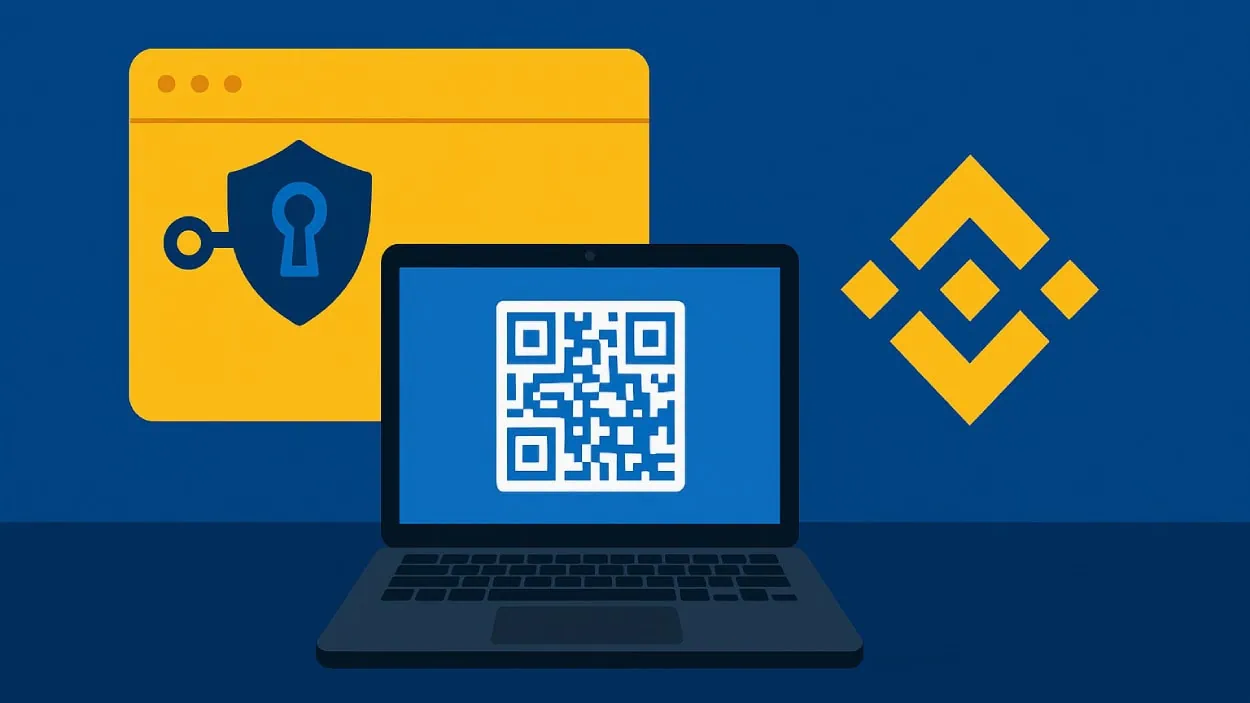







Binance has rolled out a beta version of its browser wallet extension using keyless multi-party computation (MPC) technology, aiming to boost crypto security while introducing new user experience features.
Key Takeaways
- Binance’s new browser extension uses keyless MPC technology, replacing traditional private keys with three independently stored key shares.
- Users can access wallets via QR code or import with seed phrases, all within a Chrome browser interface.
- Security experts warn of new vulnerabilities, especially from fake extensions and device malware.
- The extension supports multi-chain asset management and syncs with Binance mobile apps for a unified experience.
What Happened?
Binance has launched the beta version of a browser extension for its crypto wallet, introducing a keyless access system based on multi-party computation (MPC). The extension allows users to manage assets and interact with dApps across various blockchain networks directly through Google Chrome.
The rollout is designed to simplify Web3 access and bolster security, but some experts are raising concerns over the potential risks of browser-based wallet access.
Introducing the Binance Wallet Extension.
— Binance (@binance) August 26, 2025
Your gateway to seamless Web3 access right from your browser:
🔸 Connect to dApps and explore DeFi
🔸 Log in with your Keyless Wallet or import external wallets
🔸 Manage assets across EVM, Solana, and TRON networks
👉… pic.twitter.com/VbEZlkurh2
Keyless Wallet Access Redefined
The new wallet extension allows users to log in by scanning a QR code using the Binance mobile app, eliminating the need for traditional private keys. This QR-based method leverages MPC, which splits the private key into three key shares, each stored separately. The goal is to eliminate the single point of failure that often puts crypto wallets at risk.
For users preferring more traditional methods, the extension also supports importing wallets using seed phrases or private keys, enabling all assets to be managed from one place.
Key Features Include:
- Effortless Setup: Scan a QR code using the Binance app to unlock access or import existing wallets securely.
- Enhanced Security: Proactive alerts warn users about potentially risky tokens, contracts, or blockchains.
- Multi-Chain Support: The extension works with EVM-compatible chains, Solana, and TRON.
- Seamless Experience: Browser and mobile app wallets are fully synchronized for smoother interaction with dApps and DeFi tools.

Built-In Security Layers
To increase protection, sessions expire after 24 hours of inactivity, with a maximum duration of 48 hours. Users must also set a password when activating the extension for the first time, adding an initial access control step.
Binance emphasized that this is a beta release, and future updates will expand functionality and browser support beyond Chrome.
Security Concerns Remain
While the technology adds new layers of protection, it also introduces fresh vulnerabilities. Browser extensions, particularly in the crypto world, have historically been targets for phishing and malware attacks. Hackers can create fake versions of popular extensions or websites, tricking users into handing over sensitive data.
Experts warn that:
- If the extension has broad host permissions, it could be hijacked to inject malicious requests or manipulate transactions.
- If a device is already infected with malware, it could intercept QR logins or saved seed phrases.
- Fake QR codes and phishing sites may lure users into exposing their wallets unintentionally.
Binance advises users to only download the extension from official sources, double-check QR codes, and verify all domains before connecting wallets. It also highlights that users should be cautious when importing existing wallets into the extension, as this could expose multiple wallets if security is compromised.
CoinLaw’s Takeaway
In my experience, crypto wallet innovation always comes with a double-edged sword. What Binance has done here is bold and arguably a step forward in user experience and security. Keyless access with MPC is the future, especially for onboarding newcomers who fear losing seed phrases. But let’s not ignore reality. Browser extensions remain one of the most exploited vectors in crypto attacks, and fake websites or malware can easily undo all that fancy tech if users are not vigilant. If you’re going to use this tool, triple-check every link, every QR code, and every download source.